
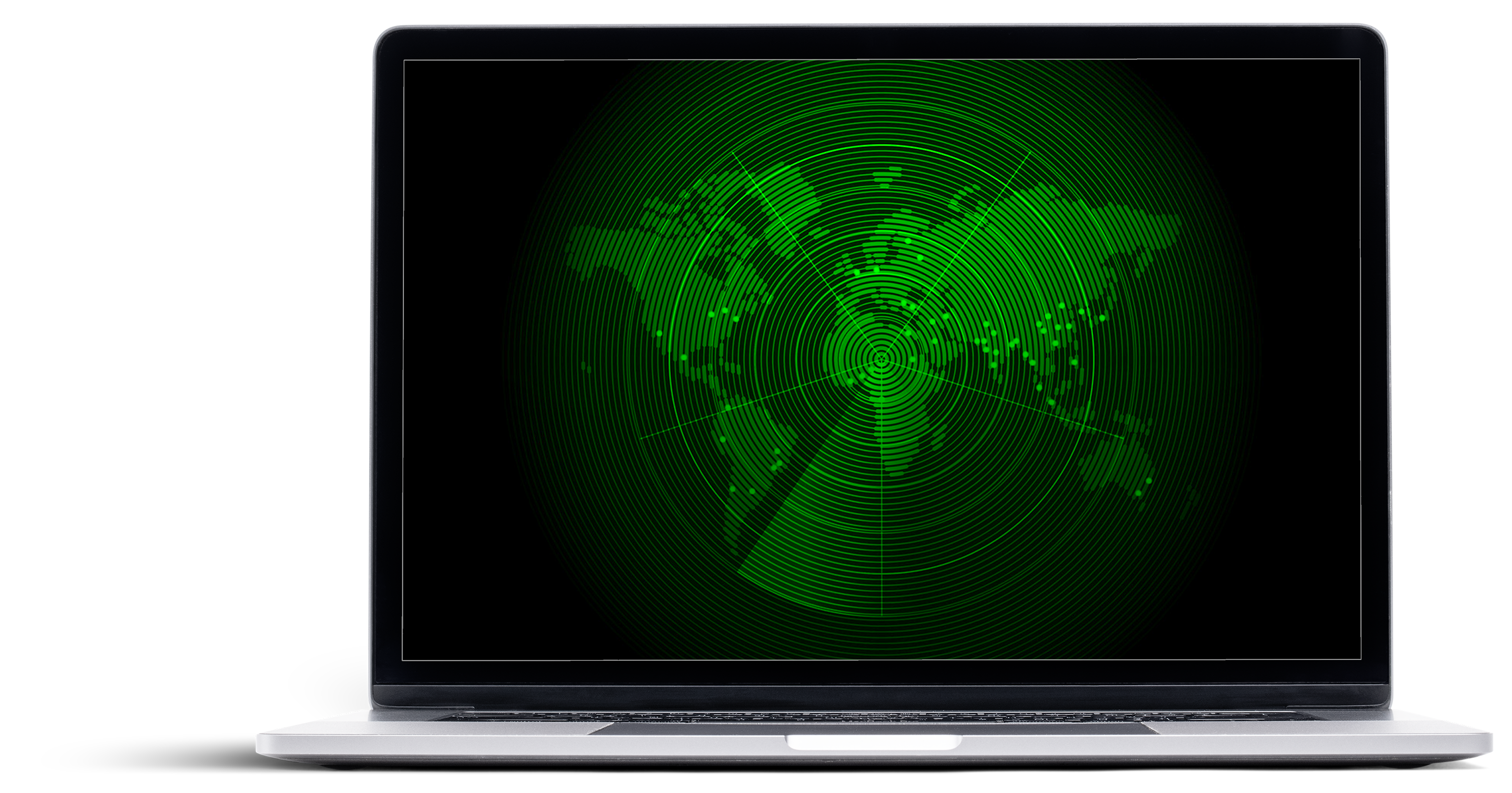
Prior to the Global IT Deployment Radar, deployment planning across EY was managed through a fragmented mix of spreadsheets and shared documents. While functional at a local level, this approach was slow, manual, and increasingly risky at a global scale.
Leadership lacked a single, real-time view of deployments across regions, sectors, and functions. Teams risked scheduling too many releases simultaneously, creating potential system collisions, global IT slowdowns, application crashes, frustrated end users, and, in extreme cases, data loss.
Compounding the challenge, deployment data was fragmented across teams and geographies, making it difficult to understand cumulative impact or identify conflicts before they occurred. As EY’s global technology footprint continued to grow, these limitations introduced unacceptable operational and reputational risk. The Global IT team needed a way to visualize past, current, and upcoming deployments in one place—without adding process overhead or relying on static reporting.
The Global IT Deployment Radar aimed to give EY leadership an innovative, easy-to-use application that provided a high-level view of all global IT deployments. Key goals included:
Rather than delivering a single visualization, the platform was designed to support multiple views—including timeline, calendar, list, and the radar—within a unified interface.
Linear views were insufficient for leadership’s needs: scrolling, paging, and zooming made it difficult to quickly identify deployment density, timing, or conflicts. The radar view provided a bird’s-eye perspective, allowing leaders to see all deployments simultaneously without losing context.
The radar’s center represented the current date by default, with outer rings spanning six months, one year, and two years into the future. This structure allowed both near-term planning and long-term visibility, giving leadership a dynamic view of deployment distribution, volume, and potential overlaps.
At default, the radar displayed 50+ deployments globally, each with detailed metadata. I created a supporting data-entry tool capturing: deployment date, owner, organization, deployment type (application, update, communication), description, creation and modification timestamps, and region.
The radar updated dynamically in real-time as users filtered by region, deployment type, owner, or time horizon. XML served as the primary data source, ensuring responsiveness despite high data density.
Technically, the radar was the most complex component. Built in Adobe Flex, it required custom calculations to correctly place each deployment marker along the circle based on date. Accuracy had to be maintained while zooming or adjusting time frames, testing my knowledge of ActionScript, geometry, and interactive design.
Visibility creates confidence. Timing creates trust.


An initial prototype in Adobe Flex enabled usability testing with leadership stakeholders. Participants completed tasks involving radar navigation, bar chart interpretation, and filtering. Feedback highlighted that the radar delivered a strong first impression and the intended “wow” factor, but also surfaced areas for simplification.
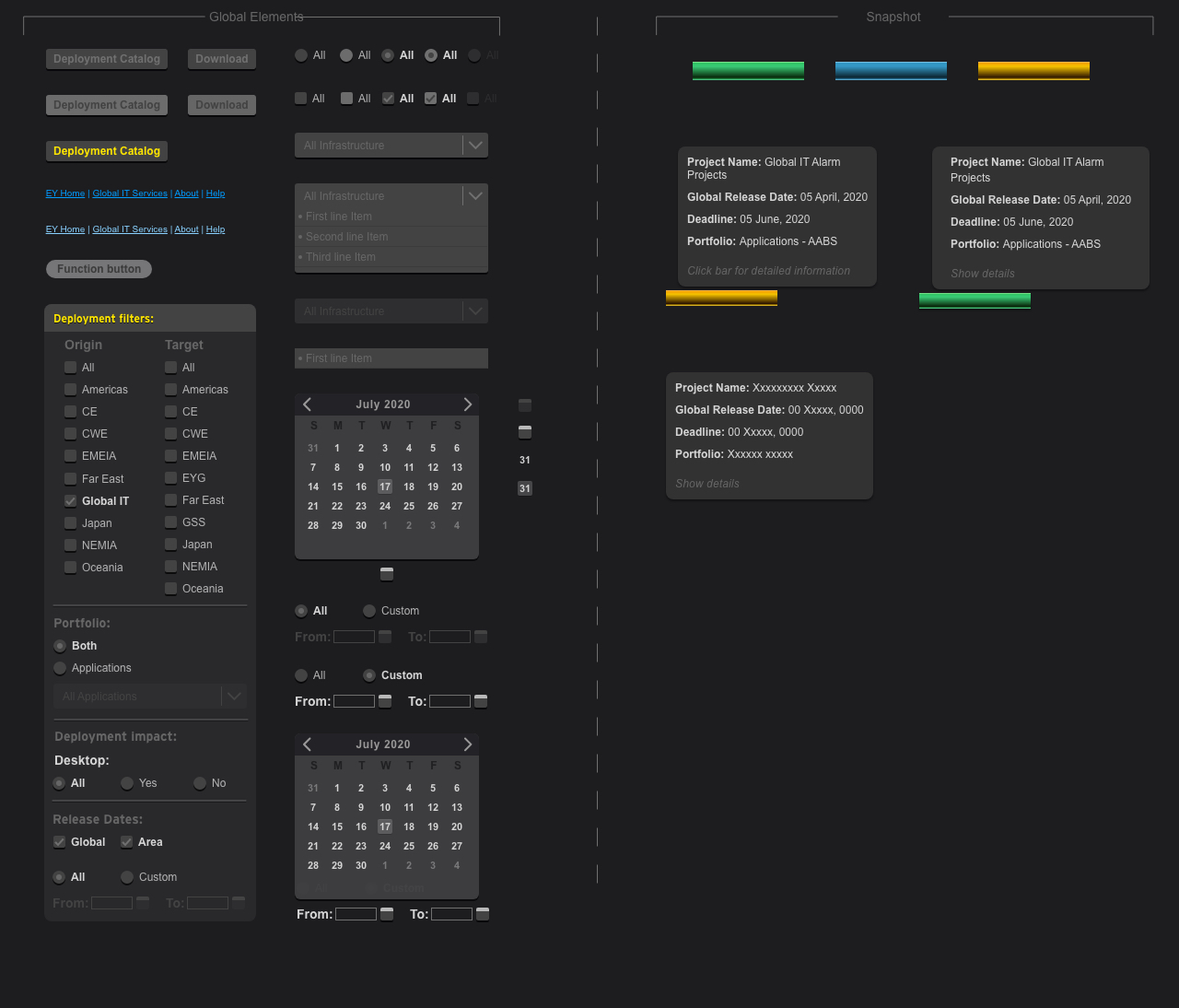
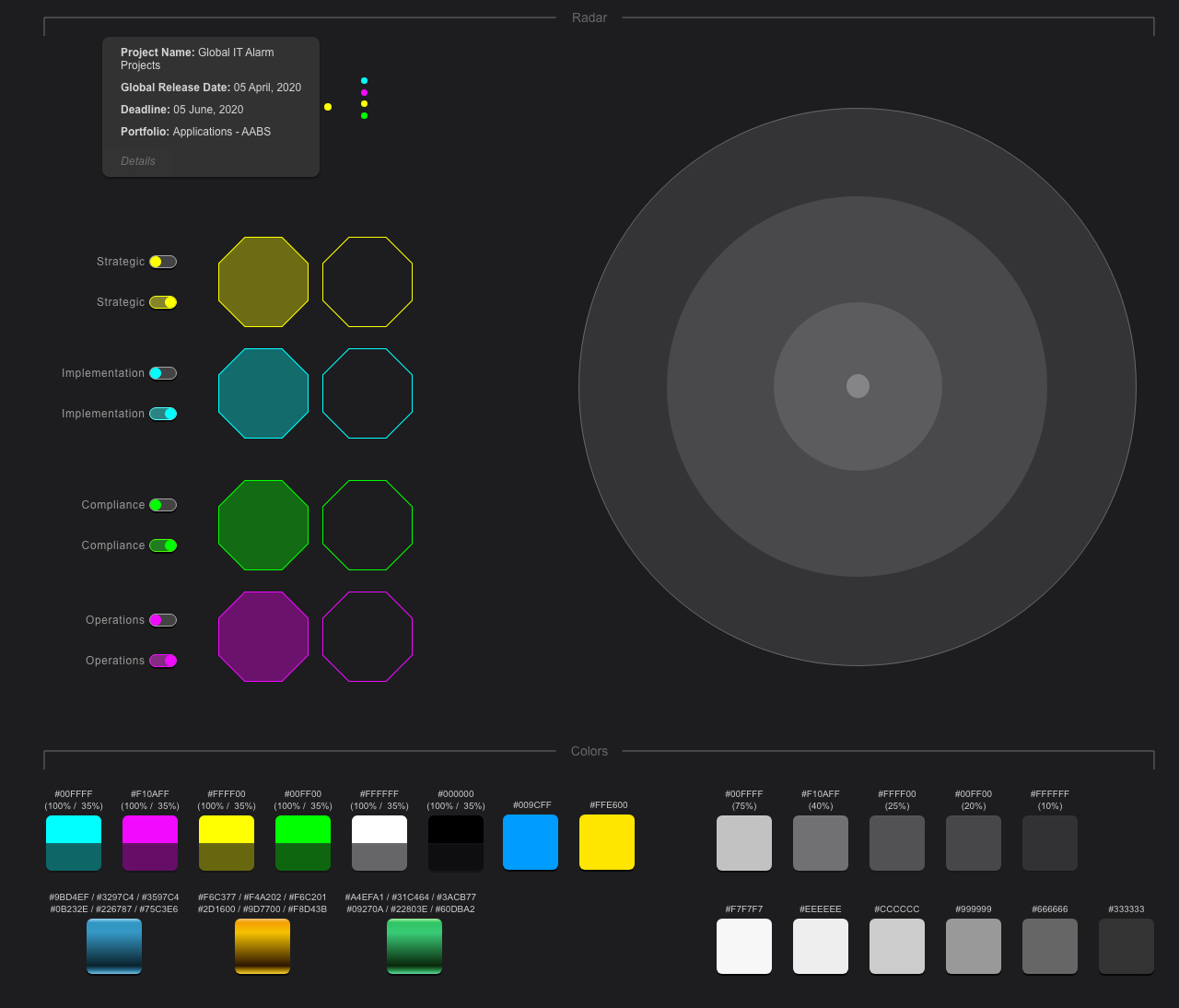
Once deployed, senior leadership endorsed the radar as the standard for tracking IT and communications deployments globally. It became the primary source of truth, replacing fragmented spreadsheets and shared documents.
The tool influenced team behavior by reducing deployment overlap and encouraging proactive planning. Leadership relied on the radar in planning materials, calls, and operational decisions. I continued to maintain and refine the tool for several years, ensuring it remained responsive and aligned with evolving deployment needs.
The radar’s success led to requests from multiple teams across North America and the UK to repurpose the tool for their own operational needs, demonstrating broad organizational impact.


